.avif)

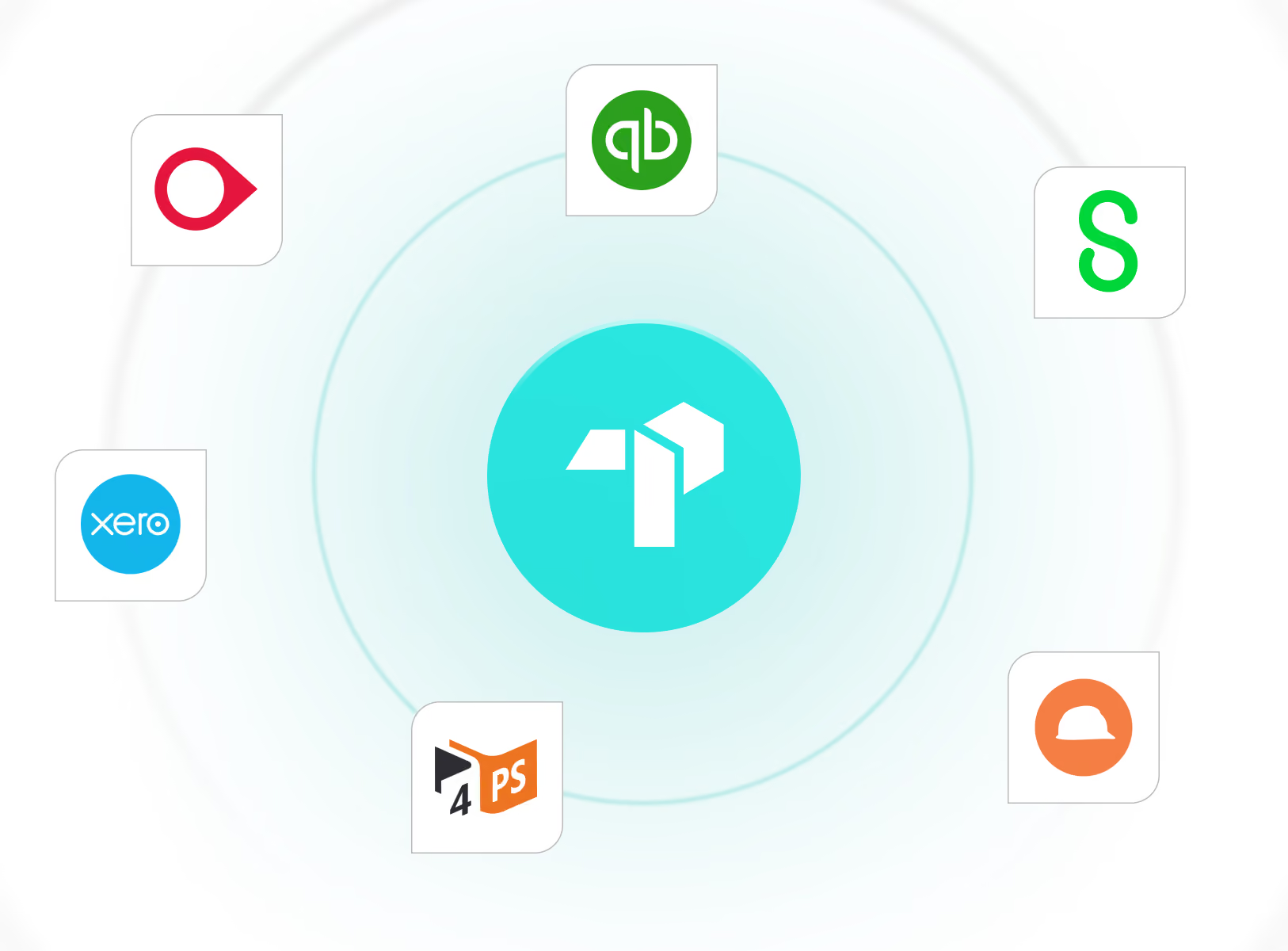
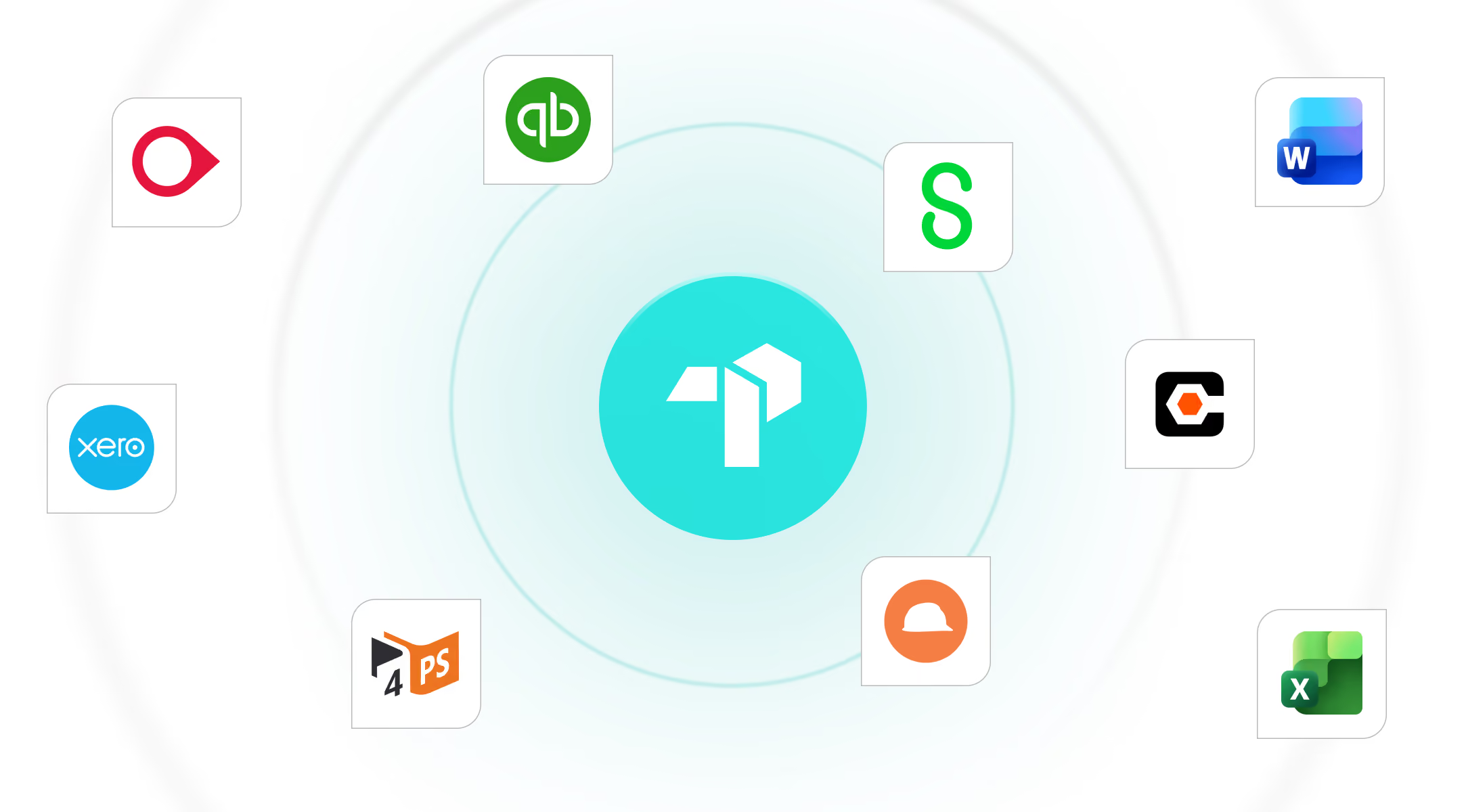
Connect TrakPro with your existing systems and solutions.
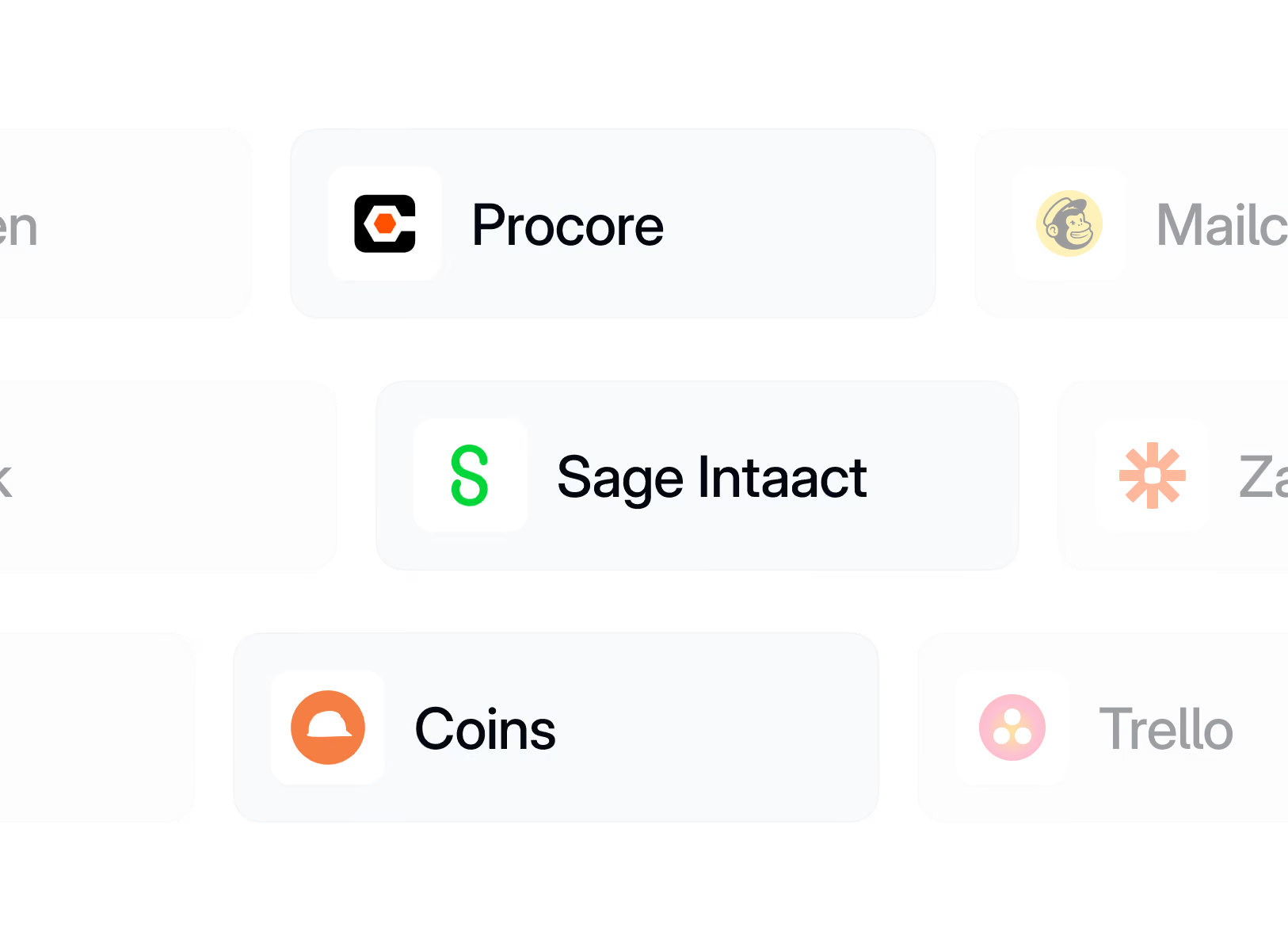
TrakPro is designed to fit seamlessly into your existing construction technology stack.
Import subcontractors, projects, and commercial information while reducing duplicate data entry and manual administration.


%201.avif)









01
Why Connect Your Systems?
Your commercial data shouldn't live in silos. By connecting TrakPro to your existing accounting, ERP, and construction management systems, you can reduce manual administration, improve visibility, and ensure everyone is working from the same information.
Reduce Double Handling
Import project and subcontractor information automatically instead of entering the same data multiple times.
Improve Data Accuracy
Keep information consistent across systems and reduce the risk of manual errors.
Save Time
Spend less time managing spreadsheets and transferring information between platforms.
Faster Project Setup
Quickly onboard new projects using information already stored in your existing systems.
Better Visibility
Access accurate commercial information across your projects with confidence.
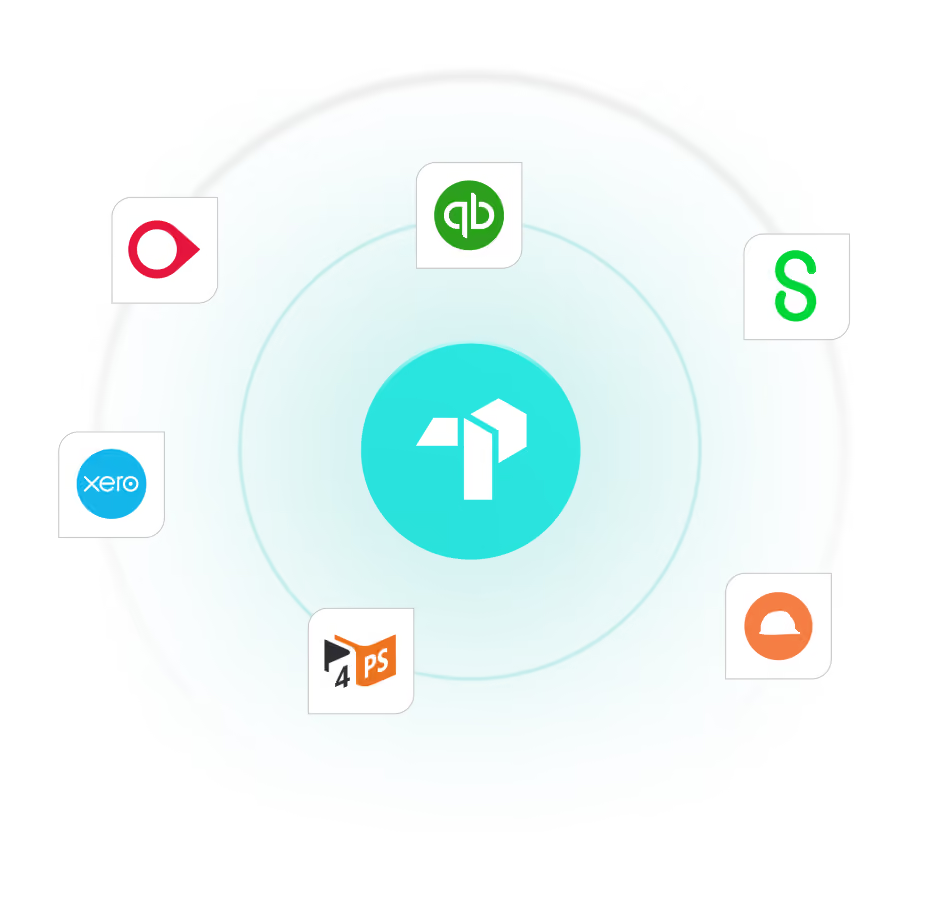
Accounting & ERP Systems
Connect commercial data with your finance systems to streamline payment processing and reporting.
Document Management
Store and access supporting documentation, payment records, variation approvals, and compliance information in one place.
Open API
Our API allows contractors to integrate TrakPro with internal systems and existing workflows.
Implementation Support
We work closely with customers for smooth onboarding with minimal disruption. Need integration with other systems? Reach out and we'll find a solution.
02
How it works
TrakPro connects seamlessly with the construction software you already use. In just three simple steps, your commercial data flows between systems automatically, eliminating duplicate data entry and giving your team one connected workflow.
Choose your integration
Select the software you want to connect from our growing library of ERP, accounting and project management systems.
1
2
Connect your accounts
Securely authorise the connection using encrypted authentication, allowing TrakPro to exchange data safely with your existing systems.


Start working smarter
Once connected, information flows automatically between systems, reducing manual administration, improving accuracy and keeping your commercial data up to date.
3
03
Don't see your tool? Tell us what you use.
We're adding integrations based on what our customers actually need. Let us know your stack and we'll keep you posted when it's ready (and prioritize the ones people ask for most).
Request received
Thanks for reaching out. Our team is preparing your custom quote and will email it to you within one business day.
Check your inbox for a confirmation email.
See TrakPro in Action
Discover how you can manage payment claims, variations, retentions and contra charges in one platform.
Book a demo